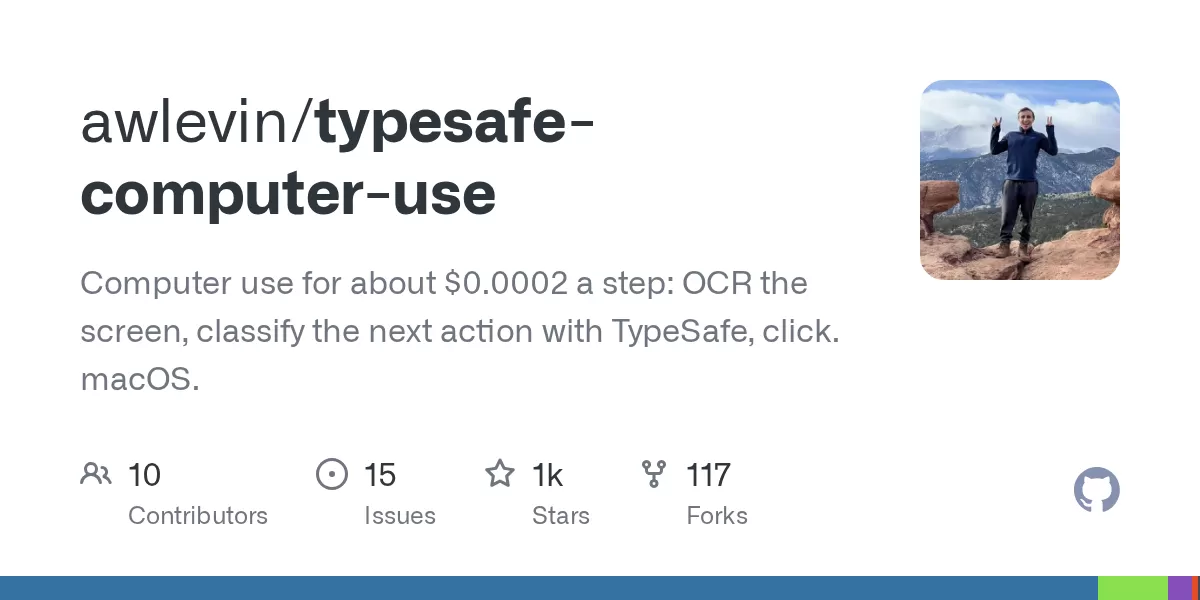
A new open-source project on GitHub, typesafe-computer-use, known as jev for short, can drive a Mac toward a goal typed in plain English, at a cost of roughly a fiftieth of a cent per step. The project, published by developer awlevin, reads the screen with optical character recognition, asks a small classifier which action should come next, and only calls a writing model when it is genuinely needed.
The approach matters because it challenges the assumption that computer-use agents must rely on large, expensive models at every step. For developers who want to automate repetitive desktop tasks, the trade-off between cost, speed and reliability is now a practical question rather than a theoretical one.
A classifier picks, code decides
The project is built around a single principle that its documentation describes in one line: the classifier picks, code decides facts, and the writer only writes free text. Anything a model would otherwise have to work out, such as whether a date has passed, whether a text field is focused or whether a URL is clean, is computed in ordinary code and passed to the decision model as plain state.
According to the repository, the classifier relies on TypeSafe, a decision model that answers multiple-choice questions with up to 255 options, returning a full probability distribution and a calibrated confidence score in a few hundred milliseconds. Output tokens are free, which keeps the per-step cost low.
The project's authors are candid about the trade-off. In their comparison, a frontier model read event dates directly from the screen and compared them without help. The smaller classifier needed a separate date-parsing step. In other words, reasoning that a large model performs implicitly has to be rebuilt as deterministic logic when a small model is used.
How a single step works
Each step begins with perception. The software runs Vision OCR on a crop of the frontmost window and combines the result with labelled controls from the macOS accessibility tree, which can identify icons that OCR alone would miss.
Code then adds context: the date shown on any block and how far away it is, the row a repeated label sits in, the focused field, the current app and URL, and the actions already attempted on that screen. A single request to TypeSafe answers three questions at once: which kind of action to take, which item to act on, and which site to target.
The chosen action is executed deterministically, the loop pauses, and the next screen capture serves as the only evidence of what happened. When the classifier stops, the writer model reads the screen and either produces an answer or hands control back with a suggested focus or a question for the user. According to the README, the writer never selects actions itself.
Safety and setup requirements
Because the tool controls a real mouse and keyboard, the project's documentation urges users to start with a dry run. It is also explicitly labelled as beta software, with settings and behaviour expected to change between 0.x releases.
- macOS 14 or newer and Python 3.12 or newer, with the uv package manager
- Screen Recording permission, without which captures show only the wallpaper
- Accessibility permission, without which synthetic clicks are silently dropped
- Windows 10 and 11 support, which the project describes as experimental
The loop stops on its own when a task is finished, when confidence is low, when it stalls or when it reaches a step limit. Users can also interrupt it by pressing Ctrl-C or moving the mouse into the top-left corner of the screen. Every run is logged to a timestamped folder, so a stalled session can be replayed offline for debugging.
Benchmarks and where it fits
The project also runs as an agent inside OSWorld, a benchmark of real desktop tasks, where it is compared alongside OSWorld's own GPT-based agent on the same tasks. Running that benchmark requires a Linux host with KVM virtualisation, and the repository provides scripts to set it up, including a route to a single machine on Google Cloud.
For readers, the project is a useful example of a broader shift. Rather than sending a full screenshot to a powerful model for every click, developers are experimenting with layered systems that use cheap perception and small specialist models for routine choices, reserving larger models for free-form tasks. Whether that approach holds up across a wide range of real applications is still an open question, and the project's own documentation says so.
Contributors are asked to attach a run folder to any bug report and to pass linting and test checks before submitting a pull request. The project is worth watching for developers interested in low-cost desktop automation, particularly those comfortable working with beta-stage tools on macOS.
Related: Atticus Mac Voice Assistant Runs on Your Claude Plan, No API Key · Keep a MacBook Awake With the Lid Closed: Insomnia
Comments (0)