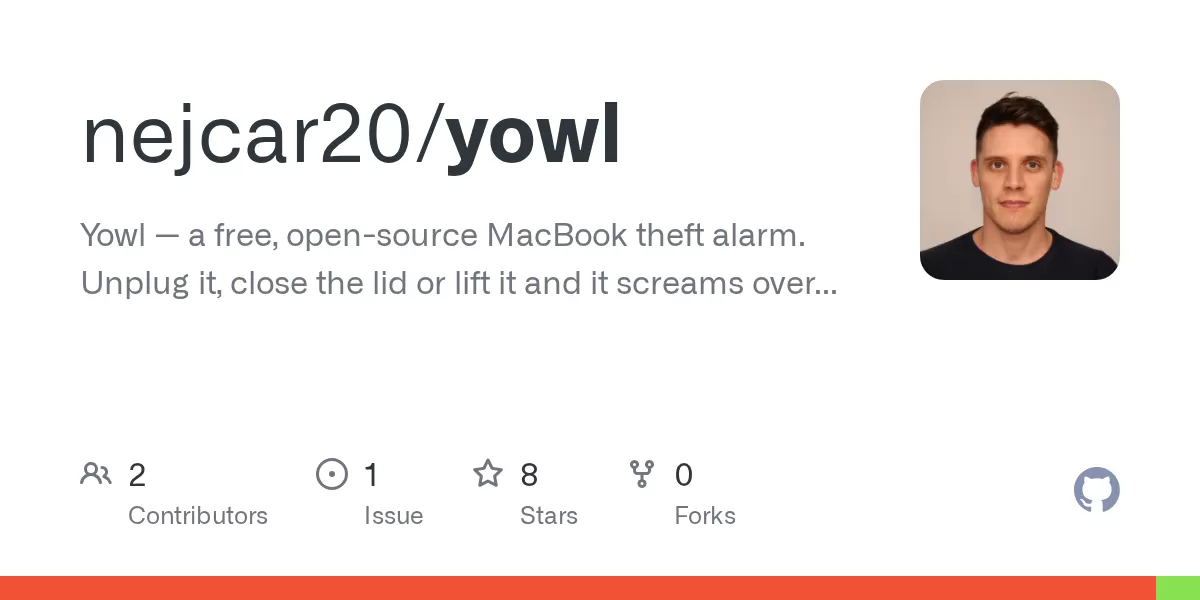
A new open-source app called Yowl aims to make stealing a MacBook a noisy and very public mistake. Published on GitHub, the project describes itself as a free menu-bar alarm that is armed when a laptop is left unattended. If someone unplugs the charger, closes the lid or lifts the machine, Yowl sounds a siren at full volume, even when the Mac is muted or wearing headphones. It then locks the screen and can take photographs of whoever is in front of the computer.
How the alarm works
According to the project page on GitHub, Yowl is released under the MIT licence and has no user accounts, analytics or servers operated by its developer. Users install it from the macOS menu bar, where a shield icon gives access to all of its controls. The app is meant for situations such as leaving a laptop on a table in a café while going to order a drink.
When the alarm fires, the page lists several responses that run together:
- A siren played at forced maximum volume through the built-in speakers, overriding mute and any connected headphones.
- An immediate screen lock, so no one can browse the open session while the alarm is sounding.
- Optional photographs of whoever is nearby, including the ten seconds before the alarm started, which can capture a person walking up to the machine.
- An optional push notification to a phone, with the alarm and photographs sent through the free ntfy app.
The alarm stops only when the Mac is unlocked. Users choose which responses they want in the settings panel, and photographs and phone alerts are optional.
Triggers that are off by default
Two triggers are switched off by default: motion detection and the lid sensor. The project explains that each can activate during ordinary use, because closing one's own laptop is not theft. Users who want them must enable them deliberately, and the page recommends running the built-in sensitivity test at the actual location where the laptop will be left.
What Yowl does not do
The project is clear that Yowl is a deterrent rather than a recovery tool. GitHub notes that Find My and FileVault are the features that actually help recover or protect a stolen Mac. Yowl's role is to make a theft loud and public, which the developer describes as a different job.
The same candour appears in the list of limitations. Repetitive backgrounds such as window blinds, tiled floors or brick walls can confuse motion detection. Quitting the app stops the alarm, although the Quit menu item is disabled while the alarm is armed, and a determined thief can still hold down the power button. The project says nothing in user space can prevent that.
Privacy and phone alerts
Photographs are saved locally in the user's Library folder, and the store is capped at the 40 most recent images. Nothing leaves the Mac unless phone alerts are enabled. In that case, the alarm and up to three photographs are sent to a private ntfy.sh link that the user creates. The project describes the link's unguessable name as the only access control, so users are advised to treat it like a password and rotate it if it leaks. Because ntfy deletes attachments after a few hours, the copies kept on the Mac are the durable ones.
The developer also explains why the source code is published. Because the app uses the camera and can send photographs to a phone, the project argues that users should be able to verify its behaviour rather than trust a compiled binary. The page points to a single network call, used only for the chosen ntfy link, as the main thing to check.
Installation and requirements
The app requires macOS 14 or later and runs as a universal binary on both Apple Silicon and Intel Macs. The lid trigger is the exception, because it relies on a hinge angle sensor that Intel Macs lack, so that option stays hidden on those machines. The current release, version 1.3.2, is about 1.5 MB, and GitHub says it is signed and notarised by Apple, so it opens with a double-click. Users who prefer can also build it from source using Xcode.
Keeping the siren running with the lid closed takes extra work. Closing the lid normally starts sleep, which powers down the audio hardware. Preventing that requires a root-only system setting, so Yowl asks for an administrator password once to install a narrow sudo rule. The project says the rule is limited to two fixed commands for the user's account and can be deleted at any time. The sleep hold lasts 30 seconds, one, two or five minutes, with a default of one minute, and it is not renewed. The developer argues that an alarm which kept a bagged laptop awake indefinitely would create its own risk.
Why it is not on the Mac App Store
GitHub's page explains that the app is distributed directly rather than through the Mac App Store. Locking the screen relies on a private system interface, which Apple does not allow in Store apps. A sandboxed Store version would also lose the lid trigger and the ability to disarm the alarm automatically on unlock. The project is instead signed with a Developer ID certificate and notarised, which allows the download to open without a warning.
Outlook
The developer says bug reports are currently more useful than feature requests. Two kinds of feedback are especially welcome: whether motion detection works at a typical desk, and any case where the alarm fired when it should not have. The repository includes a test suite of 241 tests, and contributors are asked to add tests that fail when the relevant behaviour is reverted. For a free tool aimed at everyday café and office users, Yowl is an unusual example of a theft deterrent whose inner workings anyone can inspect.
Related: Keep a MacBook Awake With the Lid Closed: Insomnia · Open Source Newsletter App MailCheap Lets You Self-Host for Free

Comments (0)