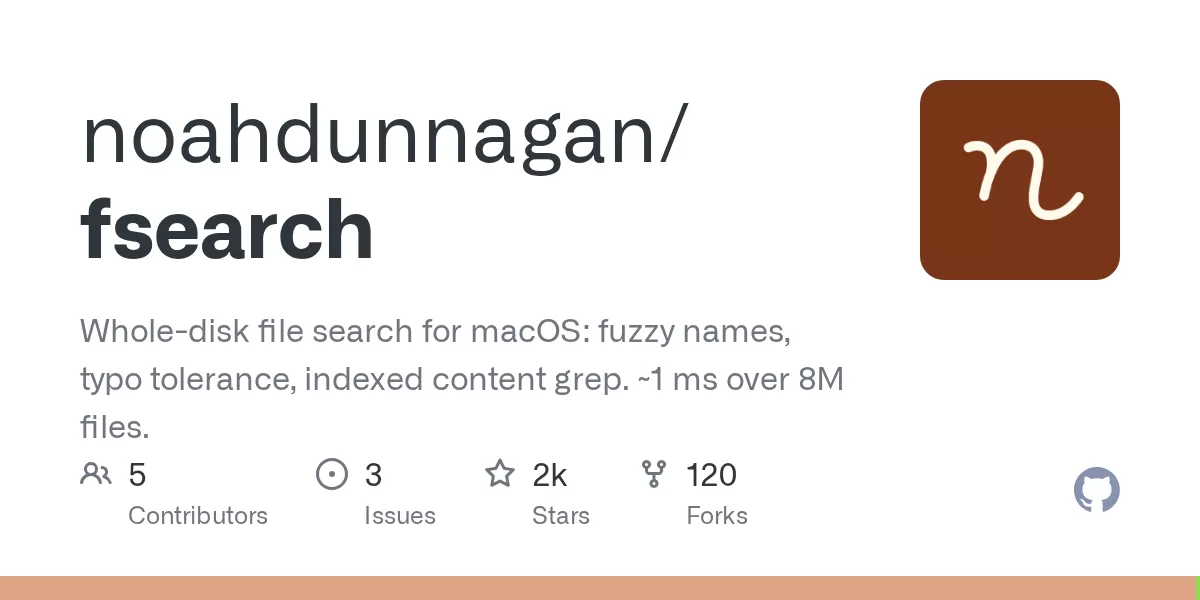
A new open-source project on GitHub offers a whole-disk file search tool for macOS that combines fuzzy name matching, typo tolerance and indexed search inside files. The project, called fsearch and published by developer Noah Dunnagan, is available as a command-line tool with a small background daemon, or as a Rust crate for developers who want to build it into their own software. According to the project page on GitHub, file names can be found in about 0.1 ms, and the tool returns results in around 1 ms across a disk holding 8 million files.
The release matters for a specific group of users: people who keep large, messy collections of files on a Mac and need to find things quickly without relying on folder structure or exact names. Developers, researchers and writers are obvious candidates, but the same problem affects anyone whose downloads folder has grown into thousands of items.
What the project offers
fsearch is built around three features. The first is name search that tolerates imprecise input. The second is content search, which looks inside files using an index rather than scanning every file each time. The third is an interface layer that lets other programs query the same index.
The GitHub page describes the tool as a CLI backed by a small daemon, so the index stays up to date in the background while users run searches from the terminal. The same page notes that developers can use the Rust crate directly if they want search functionality inside their own applications.
Speed and the cost of indexing
The performance figures on the project page come from a benchmark run on an Apple M4 Max machine with 8.3 million files on disk. The author compared the current version against an earlier release, identified by its commit hash, and reports that both versions returned the same results. The published timings are medians, which reduces the effect of one-off spikes in a single run.
Speed comes with a trade-off. The source explains that the index has grown, because each file carries a filter that allows the search to skip files that cannot contain the requested text. Users with limited storage should be aware that a whole-disk index takes up space, although the page does not state how much.
How the search syntax works
The query language is designed to be forgiving by default. Every word is treated as fuzzy, and words of five or more letters tolerate one typo. The project gives the example of typing mian.rs, which still finds main.rs. For users who need precision, the tool supports exact matches, prefix and suffix anchors, and exclusion terms.
Filters add another layer. The documentation lists options for file extension, type, kind, location, size, modification time, regular expressions, path, content grep, regex content matching, symbolic links and result limits. Content search is smart-case, meaning that a lowercase query matches both upper and lower case, while a query containing capital letters matches only those letters exactly. This is a familiar convention in code search tools, and it helps developers who search source files.
Full Disk Access and macOS privacy
Full Disk Access is a macOS privacy setting that controls which applications can read protected data, such as mail, messages and certain system folders. Without it, a whole-disk search tool cannot see those areas. According to the project page, a terminal with Full Disk Access allows fsearch to index everything on the disk.
Running fsearch as a login item requires a separate step. The page says that when the tool is installed to start at login using a dedicated install option, the user must grant access to the installed binary in System Settings under Privacy and Security. The source also notes that this permission must be granted again after each rebuild of the tool. Users who do not grant access are not prompted; instead, the tool skips protected folders. That design avoids repeated pop-ups, but it also means that a user may not realise that parts of the disk are missing from results unless they check the settings.
Under the hood and developer access
The project describes a two-stage approach. It first crawls the disk once using getattrlistbulk, an Apple interface for reading directory contents in bulk. After that, it follows FSEvents, the macOS framework that reports file system changes. According to the page, changes appear in the index in about 0.1 seconds, and after a restart the tool replays only the changes that occurred while it was offline, rather than rescanning the whole disk.
File names are stored in a single memory-mapped file organised folder by folder. Because of this layout, a search limited to one folder can be treated as a continuous range of data. Before scoring each candidate name, the tool checks a bitmap of the letters in the name, which quickly rules out most candidates that cannot match the query. Content search uses a trigram index, which breaks text into overlapping three-character sequences, combined with a per-file filter. The page states that identical files are indexed once and that search results are read fresh from disk, so the displayed text reflects the current file rather than a stale copy.
For application developers, the project exposes an API based on JSON lines sent over a Unix socket in the user's Application Support folder, or through a stdio mode. The page says that an application and the command-line tool share a single index, with the first running process owning it and the others connecting to it. This avoids duplicate indexing and wasted disk activity when several tools are in use.
What comes next for users
fsearch is a developer-led project shared openly on GitHub, and its reception will depend on how well it performs for people beyond the benchmark conditions described on the page. The main questions for prospective users are the size of the index on their own machines, how the tool behaves on disks with heavy churn, and how comfortable they are with granting Full Disk Access to a third-party binary. Those who work with large codebases or document archives may find the content search and the shared API the most useful parts. Others may prefer to wait for broader testing before replacing existing tools.
Related: Atticus Mac Voice Assistant Runs on Your Claude Plan, No API Key · Keep a MacBook Awake With the Lid Closed: Insomnia

Comments (0)