A new open-source project called ArtCraft Launcher is offering creative software users a single place to install, update and open every app in the Craft App Suite. According to its repository on GitHub, the launcher is a small native desktop application written in pure Rust, and it is currently in early alpha. The project matters to artists, designers and hobbyists who have had to track down separate release pages for each tool they use.
One launcher for a dozen creative tools
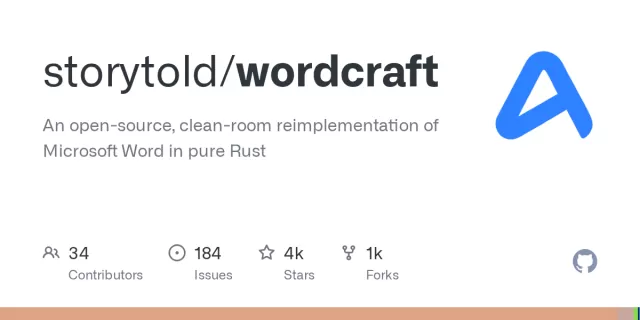
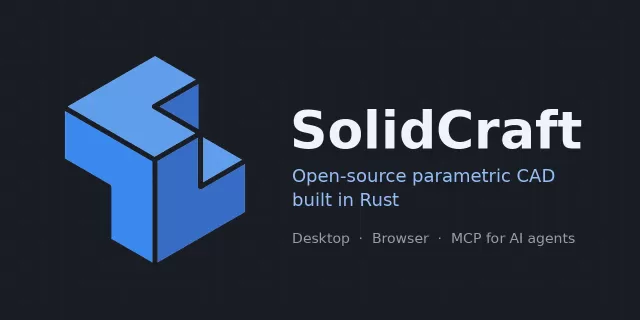
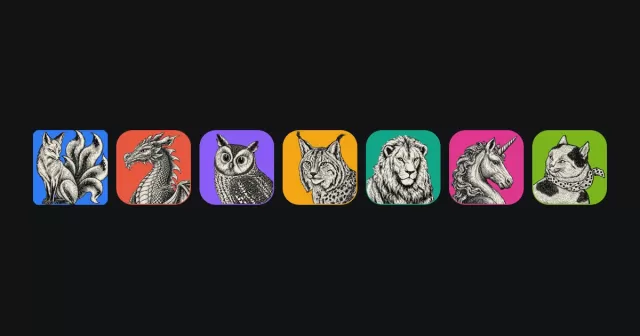
The Craft App Suite includes PhotoCraft, LightCraft, FilmCraft, DesignCraft, VectorCraft, PdfCraft, EffectCraft, WordCraft, DeckCraft, GridCraft, CADCraft and SoundCraft. Each app is built by the ArtCraft team, is described as free and open source, and is designed to work on its own. The suite covers a wide range of work, from photo editing and vector drawing to film, sound, documents, presentations and computer-aided design.
GitHub's project page explains the problem the launcher is meant to solve. Each Craft app ships its own builds for every platform, so users have to look through many release pages to find the right download. ArtCraft Launcher lists the whole suite, shows which apps are installed and which versions they are, installs the correct build for the user's operating system and processor, and notifies them when an update is available.
The launcher can also sit in the menu bar on macOS or the system tray on other systems. A web version shows the same catalogue in a browser, with the latest download for each app.
Installation and updates
According to the README, ArtCraft Launcher installs each app in the location where the operating system normally keeps applications. It uses the official release package for each app, so a program installed through the launcher should match one installed manually. The launcher also detects apps that users have installed by themselves.
The launcher updates itself as well. When a new version is released, the Update and restart option downloads it, checks it, replaces the installed copy and reopens the application. Each download is verified against the SHA-256 checksum that the release publishes, and the project states that a running app is never replaced while it is in use.
Updates use the same package format as the original installation. Packages are provided for several systems, including .app bundles on macOS, Windows Installer packages and portable folders on Windows, and AppImage, .deb and .rpm files on Linux.
Platform support and requirements
The release page lists builds for Linux on x86_64 and aarch64 processors. The Linux builds require glibc 2.35 or newer, and the README gives Ubuntu 22.04, Debian 12 and Fedora 36 as examples that meet this requirement. A separate RISC-V build for riscv64 systems is built against Ubuntu 24.04 and needs glibc 2.39 or newer.
On Linux desktops, the tray icon follows the StatusNotifierItem standard. The README says that KDE, Xfce, Cinnamon and most other desktops display it, while GNOME users need to install the AppIndicator extension.
Developers who want to build the launcher from source need a recent stable version of Rust, version 1.90 or newer. On Linux, the project asks users to install several windowing libraries before building.
Languages and interface
- English
- Brazilian Portuguese
- Czech
- French
- German
- Hungarian
- Japanese
- Polish
- Russian
- Simplified Chinese
- Spanish
The interface follows the system or browser language by default. Users can change the language in Settings, and the choice is kept between sessions. The README also notes that Chinese, Japanese and other CJK text is drawn with fonts supplied by the operating system, and that the interface falls back to English where a suitable font is missing. Product names and release notes stay as published.
Early-stage software and how to get involved
GitHub describes ArtCraft Launcher as new and in early alpha, and warns that users should expect rough edges. The project asks anyone who encounters a problem to file an issue, including their operating system, the app they were trying to install and the launcher's log file. The log is stored in a different location on each platform, and the README lists those paths.
Contributors and AI agents are directed to an AGENTS.md file in the repository, while release packaging is handled in a dedicated packaging folder and a GitHub workflow file. The project also runs a Discord server, where the team invites artists of all backgrounds to share work, ask for help and suggest features.
The launcher is dual-licensed under the MIT and Apache-2.0 licences, which means users can choose whichever suits them. The ArtCraft name, logo and mark are not covered by those licences and remain trademarks of the ArtCraft Team, and the README sets out rules for how they may be used. Forks and modified versions must remove them.
For now, ArtCraft Launcher is best viewed as a promising early project rather than a finished tool. Its success will depend on whether it can keep the many Craft apps up to date across platforms and attract the community feedback that early-alpha software needs.
Related: GridCraft: Open-Source Excel-Style Spreadsheet Built in Rust · CADCraft: Open-Source, Rust-Built AutoCAD-Style Drafting App
Comments (0)