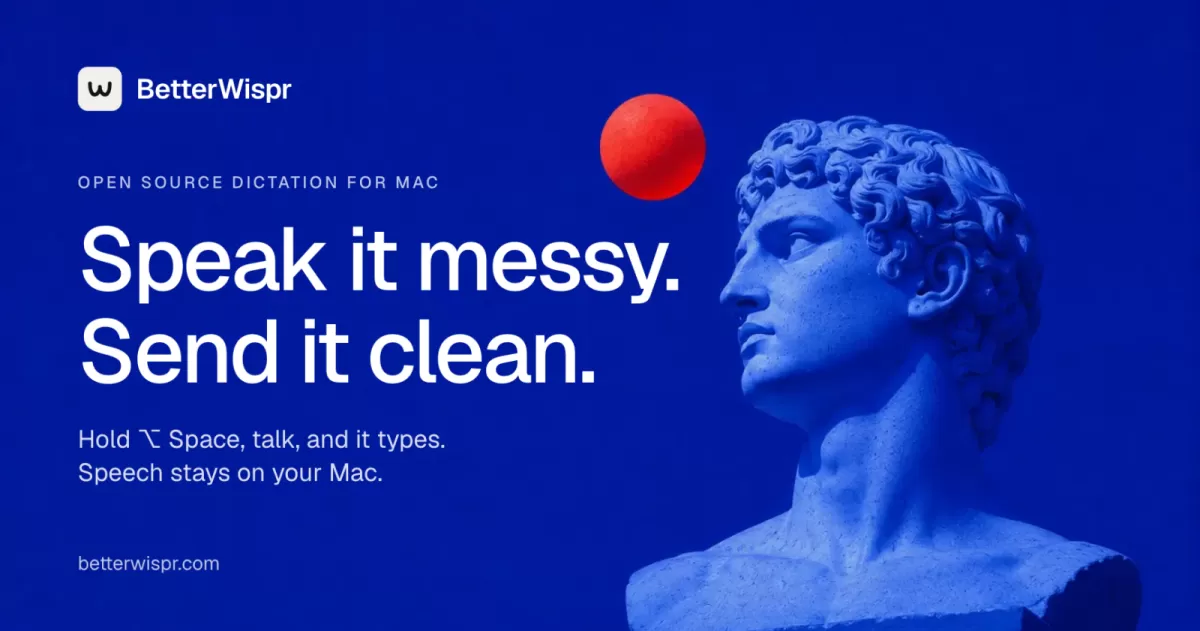
A new dictation tool for macOS, BetterWispr, lets Mac users speak into almost any application and have clean text appear at the cursor, with the speech itself processed on the computer. According to the project's own website, the app is free, open source under the Apache 2.0 license, and requires no account. It runs on macOS 14 or later, and Apple Silicon is recommended for the best local performance.
How the app works day to day
The core workflow is simple. A user places the cursor in a text field, holds Option and Space, speaks, and releases the keys to transcribe. BetterWispr's website says the tool removes ums and false starts, spells names the way the user prefers, and formats text according to a writing style chosen for each app. Transcription starts after recording stops rather than appearing word by word as the user talks.
Where pasting is blocked, the app copies the text to the clipboard so nothing is lost. The site also notes that secure fields and some applications may refuse automatic insertion. Microphone and Accessibility permissions are required, and Speech Recognition permission is needed if the user chooses Apple's built-in speech engine. All of these are managed in System Settings.
Local models and the choice of engines
Dictation tools have become a crowded category, and the main differentiator for BetterWispr is where the audio goes. The website says its built-in models transcribe speech on the Mac itself, with no account and no cloud fallback. Models are downloaded once and then work offline, and downloads happen only when the user chooses to install them.
The app offers nine built-in models drawn from Apple's speech system, Parakeet and Whisper. Parakeet covers English, Japanese and 25 European languages, while Whisper offers broader multilingual recognition. Users who prefer a hosted service can connect their own Sarvam AI, Smallest AI or OpenAI-compatible API instead. Language support depends on the model selected, so the site recommends testing the chosen model with your own speech.
Why offline processing matters
For writers, lawyers, clinicians and anyone handling sensitive material, the question of whether audio leaves the device is often decisive. A dictation tool that works without a network connection also avoids delays caused by poor connectivity. The trade-off is that local models depend on the hardware they run on, so performance will vary between older and newer Macs.
Styles, cleanup and voice commands
A tone for every app
BetterWispr lets users set a tone for personal chats, work apps, email and other software. According to the website, the casual style drops the final period, the very casual style also drops capital letters, and the formal style leaves the spoken words untouched. These tones apply only to English.
Three levels of cleanup
The default cleanup level is Light, which removes English ums, repeats and false starts. The site describes the options as follows:
- Light: the default setting, which removes English filler words, repeats and false starts.
- Medium: also edits the text for clarity, using a notes model run on the Mac through Apple Intelligence or Ollama.
- None: keeps every word exactly as spoken.
Users can also dictate punctuation and structure. Saying comma, question mark or new paragraph inserts those elements, and saying scratch that deletes the last sentence. These commands work in English. The app also learns from corrections: adding names and terms as hints, or fixing a word in History or right after a paste, teaches it the preferred spelling.
Meeting notes and personal insights
BetterWispr also includes a Notetaker feature. It labels the user's microphone as Me and other apps' audio as Them, placing the transcript beside the user's own notes. On macOS 14.2 or later, the other-apps audio capture is available. Afterwards, Apple Intelligence on supported Macs running macOS 26, or a local Ollama model, can produce a summary, a list of decisions and action items. The site adds that the optional Claude Code, Codex and OpenAI-compatible endpoints send the transcript to that provider, and that without a notes model the transcript and notes are still saved.
The Insights panel shows how many words the user has spoken, their pace, how many words cleanup saved them, the apps they dictate into and their daily streak. The site says all of these figures are calculated from history stored on the Mac. History keeps both the raw and corrected transcript, and a feature called Use Original restores exactly what was said. History can be turned off at any time.
Open source, updates and the competition
The project publishes its code on GitHub under Apache 2.0, so users can read it, report issues or build it themselves using the make dev command. Updates are delivered through GitHub Releases via the Sparkle framework and install only when their EdDSA signature matches, a safeguard against tampered builds.
The website also carries comparison pages against Superwhisper, Wispr Flow, Kivi by Sarvam and FluidVoice. These pages are written by the project itself, so they should be read as the developer's own positioning rather than independent testing. They do illustrate the main axes of competition in the category: local versus cloud processing, multilingual support and the depth of writing controls.
For readers considering the tool, the most useful next step is to check the model list against the languages they need, confirm that their Mac meets the macOS 14 requirement, and test a few sentences in the target apps. Because insertion depends on the app being used, trying the workflow in the software you rely on most will show quickly whether it fits. The offline design and open code will appeal to users who want dictation without sending their voice to a remote server.
Related: Yowl: Free Open-Source Alarm Makes MacBook Theft Loud · Open Source Newsletter App MailCheap Lets You Self-Host for Free
Comments (0)