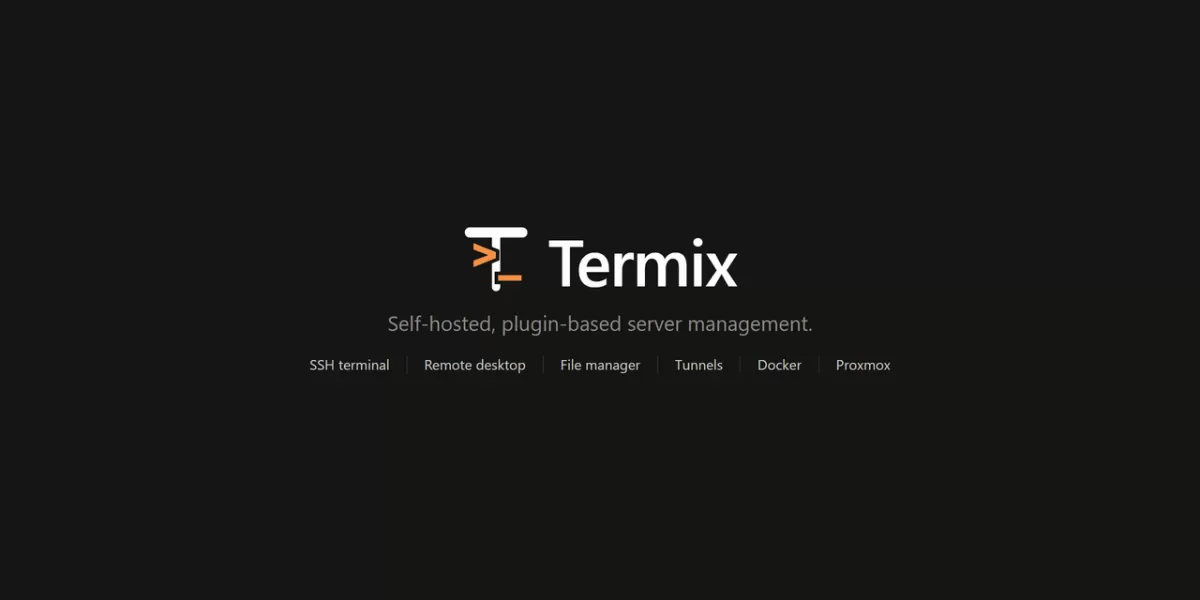
Termix, a free and open source server management platform, is now presented on GitHub as a self-hosted option for administrators who want to control their own infrastructure. According to the project's repository page, dated October 14, 2026, the platform keeps a small core of features, including hosts, credentials, users, sharing and sessions. Everything else, such as the SSH terminal, remote desktop, file manager, Docker tools and metrics, runs as a plugin that can be turned on, turned off or removed.
What Termix is and how it works
Termix is designed around a simple split. The core is what every installation receives, whether or not any plugins are added. Plugins handle the specialised tools that system administrators use every day. The project describes itself as a free, self-hosted alternative to Termius, a commercial SSH client, which gives it a clear point of comparison for users already familiar with hosted server tools.
The software runs on web, desktop and mobile. Self-hosting means the server software is installed on hardware or virtual machines that the user controls, rather than on a service run by a third party. For teams that handle sensitive access to production systems, that difference matters, because login data and session records stay within their own environment.
Core features every installation gets
The repository lists several built-in capabilities that do not depend on plugins:
- Hosts: saved in nested folders, with tags and parent hosts, bulk editing, import and export, and a Quick Connect option for one-off sessions.
- Credentials: passwords and keys can be reused across hosts, and defaults can be set for a server, a user or a folder.
- Sharing and roles: hosts, credentials and folders can be shared with users or roles at four access levels: connect, view, edit and manage.
- Accounts: local accounts, visible and revocable sessions, trusted devices, API keys and an audit log.
- Security: secrets are encrypted per user, and the database can be encrypted on disk.
- Desktop sync: the desktop app can work on its own or link to a Termix server to keep an offline copy of an account.
- Interface: tabs, split screens, a command palette, rebindable shortcuts, themes and support for around 30 languages.
- Databases: SQLite by default, with PostgreSQL and MySQL also supported.
The breadth of the core is notable for an open source project. Storing credentials securely and offering granular sharing are two areas where administrators often rely on commercial products, so the project's emphasis on them signals what it expects users to need.
A plugin-based design
Plugins are the project's main way of growing over time. The official plugins ship with Termix, and administrators can install, update or remove them from a Plugins tab in the application. Each plugin lives in its own repository, which allows separate development and separate issue tracking.
Developers who want to contribute can begin with a plugin template. Available plugins are listed in a registry, and users can enable a community registry to install plugins created by others or add a registry of their own. Documentation covers how to submit a plugin and how to host a registry. This structure suggests the project intends to grow through a wider ecosystem rather than a single codebase.
Trying the demo before installing
Prospective users can test the software before deploying it. The project offers a public demo at demo.termix.site, where any username and password will work. The demo is a practical way to judge the interface before committing server resources to an installation.
Deployment, support and funding
The repository provides a sample Docker Compose file for deployment, and the project's documentation explains installation steps for each supported platform. The Compose sample can omit some components if a user does not plan to use the remote desktop plugin, which keeps simple installations lighter.
The project also raises a practical point about hosting location. If Termix runs on the same network it manages, an outage in that network can cut off access at the moment it is needed most. The repository suggests a virtual private server as a way to keep the tool reachable, with a static IP address and no need for a VPN or port forwarding. The page discloses that GINERNET sponsors Termix and that the documentation includes a setup guide for its VPS. Readers should note this sponsorship when weighing that recommendation.
On funding, the project states that it has no paid plans. Donations cover servers, domains and development time. Paid sponsorship spots are available by contacting the project by email.
- Bugs and feature requests for the core go to the main repository.
- Plugin problems, including terminal, file manager, Docker and remote desktop issues, go to the relevant plugin's repository.
- Discussion and questions take place on the project's Discord server, and update videos are published on YouTube.
Why it matters and what comes next
The project's approach reflects a wider interest in self-hosted tools, in which organisations and individuals run software on their own servers to manage access and data. A plugin model lets a small core stay stable while contributors add features, which can make maintenance easier over time. Whether the ecosystem grows will depend on how many developers build and maintain plugins, and on how the community registry is used. Readers evaluating the tool should test the demo and review the documentation before deciding whether it fits their needs.
Related: Lightweight Server Monitoring: Beszel Adds Docker Stats and Alerts · Open-Source F1 Replay Timing App Brings Live Data to Your Browser



Comments (0)