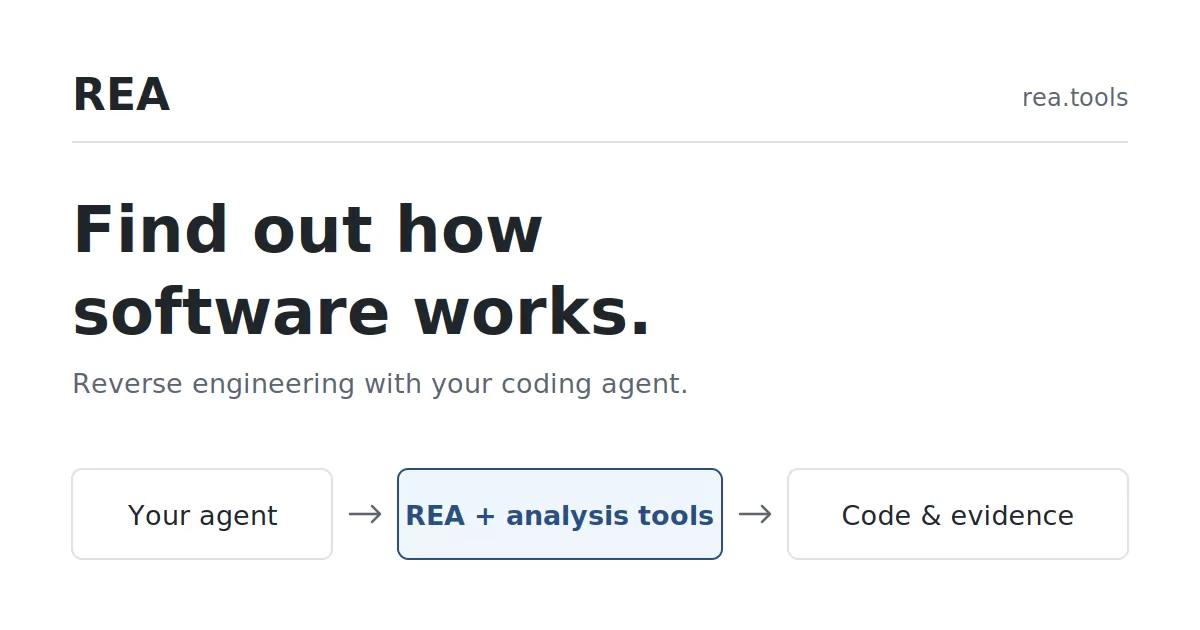
REA, a reverse engineering toolkit designed to work with AI coding agents, is presenting its approach on a public website with setup instructions, step-by-step guides and interactive examples. The project's central idea is that an agent can inspect a running or compiled program, explain what it does, and then change or rebuild it. According to REA's own website, the examples range from a browser dinosaur game to the percent button in Windows Calculator. The page was published on 11 October 2026.
What reverse engineering means
Reverse engineering is the practice of working out how software behaves by studying the program itself, rather than relying on documentation or original source code. Security researchers use it to find weaknesses, engineers use it to check compatibility between systems, and curious developers use it to learn how a feature was built.
REA's site frames the goal in practical terms: understand a feature well enough to explain it, modify it or rebuild it. It illustrates the idea with a question many people have wondered about. Why does Windows Calculator return 220 for 200 + 10%? Answering it means reading the rules behind the calculator's percent button instead of guessing.
How the setup works
According to REA's website, installation runs through a single command, npx rea-agents@latest setup. The agent first presents a setup plan for the user's approval, then verifies the installation once the plan is approved. The user is asked to restart the agent at the end. People setting up REA for the first time, or those missing Node.js or a supported coding agent, are directed to a separate step-by-step guide.
The approval step matters. Letting an agent connect to tools that inspect other programs is a significant permission, and a plan that must be signed off before anything is installed keeps the user in control of what changes on the machine.
Case study one: the browser dinosaur game
The first example targets the dinosaur game that appears in Chromium-based browsers when a device is offline. REA's site says the agent reads the script running on the page, including its update function and speed settings, and then uses that rule to build a new version of the game.
The site describes the speed rule this way. The game starts at a speed of 6 and rises by 0.001 with each update, as long as there is no collision and the speed remains below 13. REA's website says it ran a controlled browser check with obstacles and automatic scheduling disabled. In that check, the original game's speed was 10.0 after 4,000 updates and 13.0 after 10,000 updates, rounded to one decimal place. Those figures fit the rule, since reaching the cap of 13 requires 7,000 updates.
REA's rebuilt mini-game keeps the same speed rule. Its drawing, jumping and collision code is a simplified teaching implementation rather than a copy of the original, and the site invites readers to open the lab and run the same speed check themselves.
Case study two: rebuilding the Calculator percent button
The second example is the more broadly useful one, because most people have used a calculator's percent key. Windows Calculator computes 200 + 10% as 220. REA's site explains that the calculator follows two different rules for addition and multiplication. One branch divides the second number by 100. The other also multiplies by the first number, which is how the percentage is applied to the running total.
For the example, the site uses a previous value of 200 and a current value of 10. The inspection was run with REA 4.1.0 against Windows Calculator 11.2508.4.0 on x64. REA's website notes that its readable summary uses names from Microsoft's public source code to explain the recovered logic, and it points readers to Microsoft's test cases and a native setup guide for further reference.
Beyond games and calculators
REA's website groups its analysis tools into three main target types. Native binaries can be examined for functions, strings, references and call relationships in executables and libraries. JavaScript and Electron applications can be mapped for modules, routes, inter-process communication and native dependencies, starting from an application folder or an ASAR archive. Browser and runtime activity can be captured for selected behavior and compared across runs.
The site also offers a small Notes application as a hands-on exercise, in which users trace its CSV export and check the effect of one changed input. More ambitious tasks are suggested as well, including having an agent clone the REA website itself, or reconstructing a game from its executable and testing the recovered gameplay logic in C against the original.
Support and community
Users with questions can read the FAQ, chat with the team on Discord, or open an issue on GitHub for bugs and feature requests. REA also invites users to share their investigations on Discord and follows project updates on X.
REA's pitch is that reverse engineering, long the domain of specialists working with disassemblers and debuggers, can be driven through a conversational coding agent. The examples on its site are small and carefully bounded, which makes them easy to verify. Whether the approach holds up on larger and more complex software is a question the demonstrations do not yet answer, and readers who want to judge it will need to test it on their own targets.
Related: Agent Standup Turns Claude Code Sessions Into a Live Team Call · AI Coding Agents Add IBM Db2 Migration Support in Under Two Days






Comments (0)