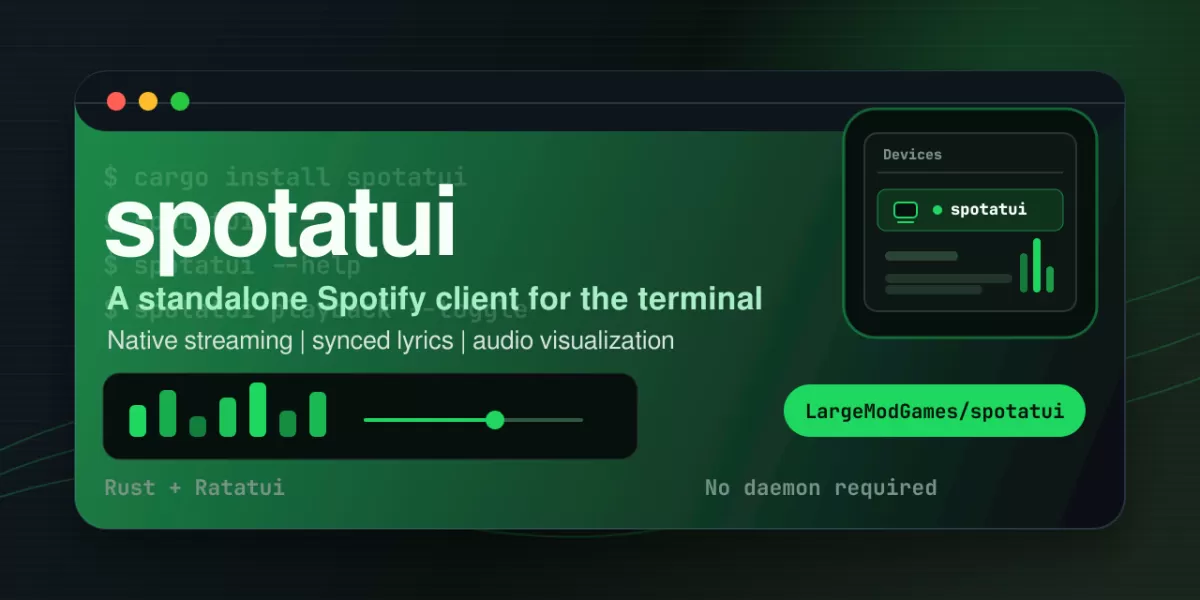
A terminal music player called spotatui, described on its GitHub repository page as a fast, standalone player written in Rust, lets listeners stream from Spotify and several other sources without leaving the command line. The project says it plays Spotify audio natively, and it also supports local files, Subsonic and Navidrome servers, internet radio, YouTube and Qobuz. On macOS, it can additionally control Apple Music. Spotify is optional, which makes the tool useful for people who do not hold a subscription to that service.
What the player does
The project presents itself as a community-maintained fork of spotify-tui, the earlier terminal client for Spotify. According to the README, the fork has since diverged on several fronts, adding new sources, a visualizer and a plugin system. The interface is built on Ratatui, a toolkit for drawing user interfaces in a terminal window.
The feature list highlights several capabilities that go beyond simple playback:
- Native streaming: Spotatui appears as its own Spotify Connect device, so it does not need the official app or spotifyd. Spotify Premium is required for this.
- Synced lyrics: Lyrics display line by line and follow the current playback position.
- Audio visualizer: A system-wide FFT visualizer, opened with the v key, reacts to whatever is playing.
- Cross-source queue: Pressing z on any track adds it to a queue that plays across all sources before the original context resumes.
- Playlist sync: One playlist can be set as the master and mirrored onto Spotify, Qobuz, Subsonic or YouTube.
The README also mentions Lua plugins for event hooks, commands and theming, a local listening history with a shareable HTML recap, and a full command-line interface for scripting playback, search and playlists. It gives a memory figure of about 78 MB while streaming and compares this with a full Electron client.
Free sources alongside Spotify
A distinctive point in the documentation is that the free sources need no Spotify account at all. Users pick a source on first launch and can switch later with the d key. Playback for these sources runs through spotatui's own audio engine, so volume control and the visualizer behave the same as they do for Spotify.
Local files, servers and radio
Local files are read from a chosen folder, which defaults to the operating system's music directory. Subsonic and Navidrome servers can be configured in the settings file, and the README recommends setting the password through an environment variable so it is not stored in plain text. Internet radio searches the radio-browser.info directory from inside the app, and stations can be saved to the sidebar. A LIVE badge appears in the playbar along with the stream's current title.
YouTube and Qobuz
YouTube support depends on the yt-dlp tool, with ffmpeg recommended. The README states that no Google account, API key or cookies are needed. If playback breaks after a change on YouTube's side, the project suggests updating yt-dlp rather than waiting for a new spotatui release.
Qobuz login opens the service's web page in a browser, and the resulting token is saved to a local credentials file. Tracks play while they download, and the playbar shows the format Qobuz delivers, which can be lower than the quality set in the configuration. The README also explains how to supply app identifiers manually if Qobuz changes its web player and the login stops working.
Apple Music on macOS
Apple Music works differently from the other sources. The audio does not pass through spotatui. Instead, the macOS Music app plays the songs with the user's own login and library, and spotatui controls it from the terminal. The first time, macOS asks whether the terminal may control Music, and the user must allow it.
Installation and build options
Spotatui can be installed from pre-built binaries on GitHub Releases, through a one-line installer, or built from source. The README notes that the prebuilt Linux, macOS and Windows binaries include Local Files, Subsonic, Internet Radio, YouTube and Qobuz, while a plain cargo install does not. Those sources must be enabled with feature flags. A Nix flake is also provided for Linux and macOS, with the note that Intel Macs are no longer covered by the flake and need the Homebrew formula or another installer.
A desktop preview is also available. It uses the same login, settings and history as the terminal app, and only one of the two can run at a time. The installers are not yet signed, so Windows and macOS will show a warning on first start. The README gives the steps to get past each warning.
Outlook for listeners
The project's documentation paints spotatui as a flexible option for people who already work in a terminal and want one player for several libraries. Its reliance on third-party tools such as yt-dlp and on the Qobuz and Spotify web players means that some features can break when those services change, a risk the README openly addresses with manual overrides. Readers who want to try it should check the installation requirements for their platform and decide which sources they actually need.
Related: Magic Hotspot: Connect Linux to an iPhone Hotspot · SolidCraft: Open-Source Parametric 3D CAD Built in Rust

Comments (0)