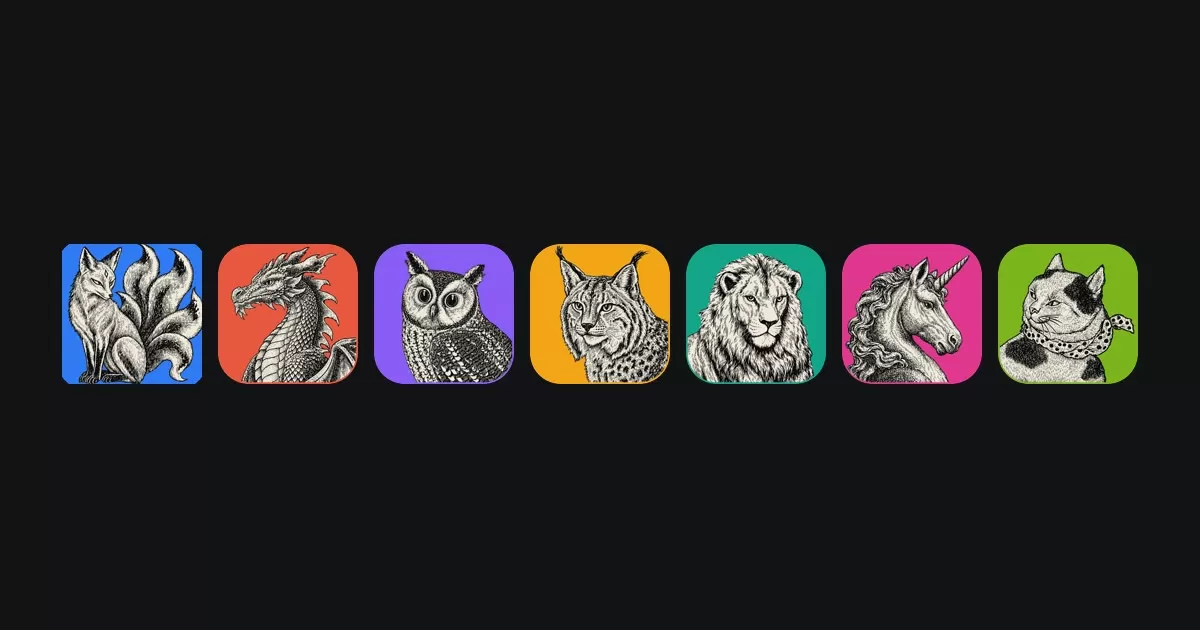
ArtCraft, a team that builds creative software, has published a suite of seven native, open-source desktop applications that cover image editing, vector illustration, video, photography, PDF handling, motion graphics and page layout. All of the apps are written in Rust, and all are free to use. According to the project's website, the tools are designed to feel familiar to working professionals while running entirely on the user's own machine.
Seven tools, one shared approach
The suite is made up of seven applications, each aimed at a specific task. PhotoCraft is positioned as an image editor, VectorCraft handles vector illustration, and FilmCraft covers video editing. LightCraft is a photo library and raw developer, PdfCraft lets users read, organise, combine, split and secure PDF files, EffectCraft focuses on motion graphics and visual effects, and DesignCraft is intended for page layout and publishing.
Taken together, the apps follow a common philosophy. ArtCraft describes them as built from scratch rather than assembled from existing frameworks, and it presents the rebuild as a deliberate choice to give creators tools that are fast and dependable.
Why the Rust foundation matters
Rust is a systems programming language known for performance and memory safety. Using it for graphics-heavy software is an ambitious choice, because creative applications place heavy demands on processors and memory. ArtCraft says its apps are compiled into real desktop programs for macOS, Windows and Linux, and that they do not rely on Electron or web views. Electron-based applications bundle a full browser engine, which many users find slower and more resource-hungry, so the distinction is meaningful for people who work with large files every day.
Open source and local processing
Two of the project's core commitments stand out. First, every line of code is published on GitHub under permissive licences, which means anyone can read the source, modify it, or build new products on top of it. Second, the apps process files locally. ArtCraft states that everything runs on the user's own files without cloud round-trips between the person and their work.
For designers, photographers and video editors who handle sensitive or unreleased material, local processing can be an important consideration. It also means the software can keep working without a constant internet connection.
Automation and AI agents
The suite also includes a feature aimed at developers and automation enthusiasts. According to ArtCraft, each app can be controlled through a command-line interface, a JSON control channel or a Model Context Protocol (MCP) server. The company says this design is intended for automation and for AI agents. MCP is an emerging standard that allows AI systems to interact with external tools, so the feature could appeal to teams that want to script repetitive editing tasks or connect creative software to AI-driven workflows.
Browser versions
Six of the seven apps, namely PhotoCraft, VectorCraft, LightCraft, PdfCraft, EffectCraft and DesignCraft, can also be compiled to WebAssembly and run in a browser tab. This gives users a lighter option for occasional work or for situations where installing software is not possible. FilmCraft is not included in that list.
How to get the apps
ArtCraft recommends its ArtCraft Launcher, which installs all of the applications and keeps them updated. Users who prefer to install individual programs can download separate installers from each app's page. The company has also said that more tools are planned and invites users to suggest which applications should be rebuilt next, to test early builds and to follow development through the ArtCraft Discord community.
- Install everything at once with the ArtCraft Launcher, which handles updates.
- Download individual installers from each app's page if you need only one tool.
- Try the browser versions of six apps before committing to a desktop install.
- Join the ArtCraft Discord to follow roadmaps and give feedback.
What it means for creators
The release arrives at a time when many creative professionals are reassessing their software costs and the terms under which their tools operate. Free, open-source alternatives have long existed for individual tasks, but a coordinated suite that covers image, vector, video, document and layout work under one philosophy is less common. The combination of permissive licences, local processing and automation hooks may attract both hobbyists and studios looking for flexible options.
Much will depend on how the apps perform in day-to-day use and how quickly the project grows its community. For now, ArtCraft's seven tools offer a clear proposition: familiar workflows, open code and a Rust-based foundation that the team says is built to last.
Related: SoundCraft: Open-Source Rust Alternative to Pro Tools Takes Shape · SolidCraft: Open-Source Parametric 3D CAD Built in Rust
Comments (0)