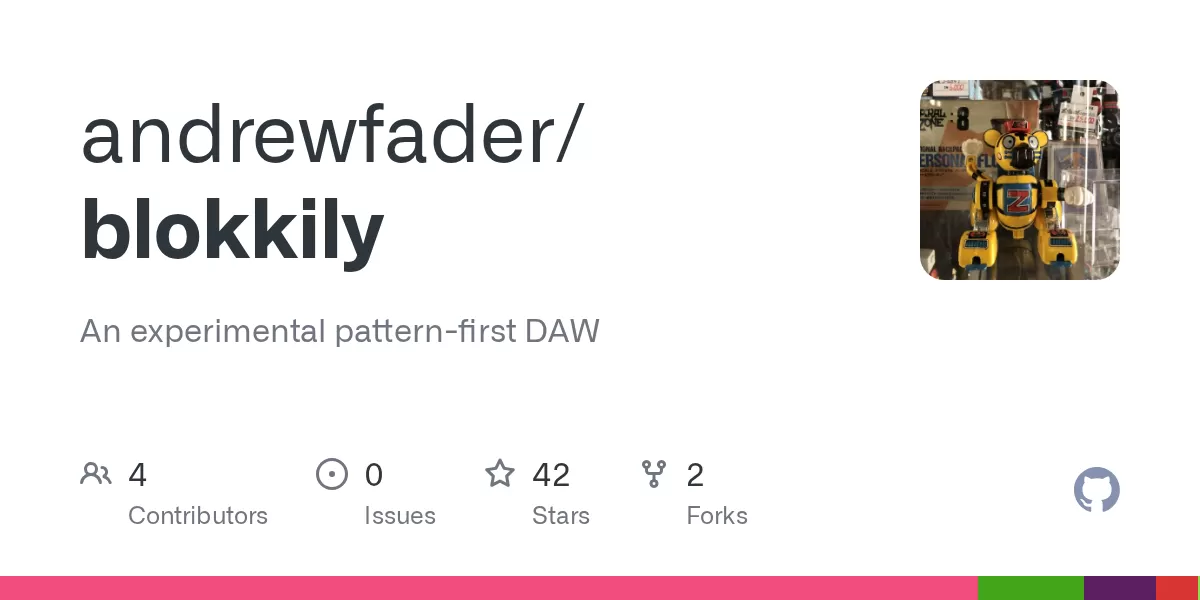
A new music production project called Blokkily has appeared on GitHub, presenting itself as an experimental pattern-first digital audio workstation, or DAW. According to its repository page, dated 13 October 2026, the software lets musicians edit the same musical pattern in three different views and then arrange those patterns across multiple tracks.
What makes the pattern-first approach different
Most DAWs are built around a linear timeline, where audio and MIDI regions are placed directly along the song. Blokkily starts from the pattern instead. A pattern is a short, reusable block of musical material, and the project's design centres on editing that block in whichever view suits the task at hand.
The repository describes three synchronised editors: a tracker, a piano roll and a step grid. A producer who prefers typing note data row by row can work in the tracker, while someone who thinks visually can switch to the piano roll or the step grid without losing any changes. Once patterns are finished, they can be placed on a multi-track arrangement timeline.
The repository says that edits are heard during playback without stopping it, which is a practical detail for anyone who likes to tweak a loop while it runs.
Instruments, plugins and sound sources
Blokkily supports CLAP and VST3 plugins, SoundFont instruments and built-in samplers. The repository states that CLAP support is required in every build. Plugins open their own editors, which are embedded in a Blokkily window on Linux, macOS and Windows.
A session with no instruments loads an installed SoundFont by default, preferring a General MIDI bank when one is available. The project also offers keyed and drum samplers, as well as on-screen input options such as an isomorphic grid, fretboards and chord pads.
Editing tools
The repository lists a number of features aimed at expressive patterns:
- Inversions, strum, microtiming, probability and ratchets
- Loop conditions and parameter locks
- Tunings and scales, including microtonal options
- Warping of audio clips to follow the tempo, or stretching and pitch-shifting them
Arrangements can include tempo steps, ramps and meter changes. A scene launcher lets a user perform patterns live and record that performance into the arrangement.
Mixing and export
On the mixing side, Blokkily offers inserts, including a built-in EQ, delay, reverb and compressor, along with sends, returns, sidechains, auxiliary outputs, automation and modulation. The repository says plugin latency is compensated during both playback and export.
Exports can be rendered as 16-bit, 24-bit or 32-bit float WAVE files through the same engine used for playback. Standard MIDI Files can be imported and exported for note exchange.
An AI assistant and agent control
Blokkily includes an LLM composition assistant that can propose a phrase. According to the repository, users should review each proposal before applying it, and every generation counts as a single undo step. The project also includes an MCP bridge that allows agents to control the running application.
The repository includes a short video, with sound, showing an agent building a funky chiptune in Blokkily over MCP, using the YANES and FUZZBOI CLAP synthesisers. The screenshot shown on the page comes from a verification session and includes the composition assistant's prompt bar above the editors.
Platforms, installation and known limits
The repository publishes packages for Linux, Windows and macOS. The Linux package is built on Arch Linux and expects Qt 6, FluidSynth, RtAudio, RtMidi, libsndfile, libsamplerate and Rubber Band to be installed on the system. The Windows package is self-contained and runs from bin\blokkily.exe after unzipping. The macOS build targets Apple Silicon and is signed ad hoc rather than notarised, so macOS blocks the first launch. The repository gives two workarounds: Control-clicking the app and choosing Open, or running a terminal command to remove the quarantine attribute.
The project is candid about its limits. The repository calls Blokkily experimental and says that comping and MIDI clock input are not implemented, and that there is no MIDI output to hardware. Large unwarped audio clips can stream from disk, but warped clips and sampler samples load into memory. On Linux, plugin editor windows need X11, or Wayland with XWayland or a plugin's own Wayland support.
The repository also notes a licensing point. Clip warping uses the Rubber Band Library, which is licensed under the GPL, version 2 or later, unless a commercial licence is purchased from its authors. A Blokkily binary built with it is therefore subject to the GPL.
What comes next for readers
For musicians and developers who follow experimental audio software, Blokkily is worth watching because it combines a conventional DAW feature set with an approach to composition that treats patterns as the primary unit of work. The repository's own description leaves little doubt about its early stage, so prospective users should treat it as a project to test rather than a finished replacement for a mature studio tool. The documentation covers the usage guide, architecture, MCP setup and the composition assistant, and readers who want to try it should start there.
Related: Open-Source n8n Bot Calculates Czech Tax on Broker Investments · Software License Renewal Tracker Sends Timely Reminders

Comments (0)