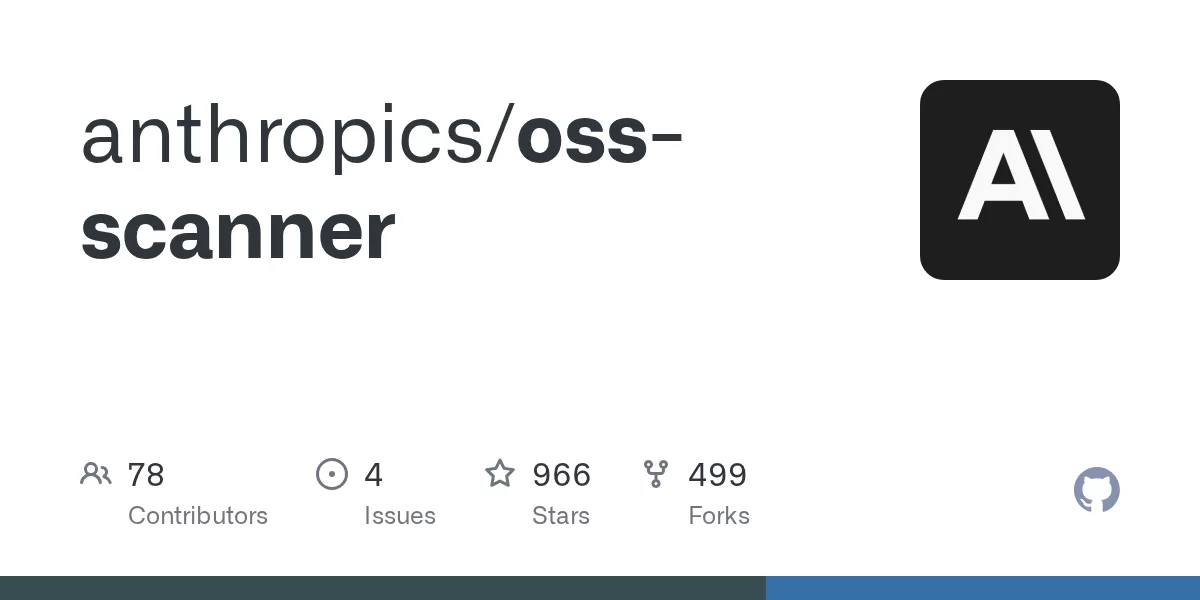
Anthropic has published a service called OSS Scanner that aims to find security vulnerabilities in critical open-source software. According to the project's page on GitHub, maintainers enroll their projects by submitting a pull request to Anthropic's public repository. The scanner then builds each project in an isolated virtual machine, analyses it without internet access, and emails any findings to the project's named contacts. The repository makes clear that the reports are produced by a model and are not reviewed by a human before they are sent.
What the service does
OSS Scanner is described in the repository as a security service that scans critical open-source repositories for vulnerabilities. Anthropic directs readers to a dedicated page at red.anthropic.com/oss-scanner for further information. The repository also notes that use of the tool is subject to the terms and conditions of the OSS Scanner service.
The process is designed around privacy and isolation. The scanner builds a project in a sealed environment, then moves that environment to a network with no internet connection for the audit itself. Each report can include a reproducer, which shows how to trigger a flaw, and a proposed patch where one is available.
The model-generated nature of the reports has an important consequence. Because no human checks the findings before they are delivered, Anthropic says it does not apply a 90-day disclosure period to them and will not make them public. In coordinated vulnerability disclosure, a fixed window often gives maintainers time to ship a fix before details become public. OSS Scanner departs from that convention, which means the responsibility for acting on each report falls largely on the project's own team.
How projects enroll
Enrollment happens through a pull request that adds a single directory, named after the project, to the repository. The directory holds a configuration file called project.yaml, a Dockerfile that explains how to build the project, and optionally a threat_model.md file.
The project.yaml file
The project.yaml file configures the scanner. Two fields are always required: repo, which identifies the project, and primary_contact, the email address that receives reports. Other fields are optional. The repository warns that email addresses in this file are public, so maintainers should use an address they are comfortable publishing, such as a security alias.
Maintainers who want encrypted reports can add an armored OpenPGP public key to the file. When a key is supplied, reports go only to the primary contact, and PGP cannot be combined with the auto_ccs option.
Where the Dockerfile lives
The Dockerfile must be placed in one of two locations, and only one of them may be used. The preferred option is to keep it inside the project's own repository and point the dockerfile field to its path. The repository suggests a location such as .oss-scanner/Dockerfile. This approach lets maintainers change the build setup without opening a new pull request to Anthropic's repository.
The alternative is to place the Dockerfile in the enrollment directory as projects/<name>/Dockerfile, with no dockerfile key in project.yaml. This suits teams that prefer not to add files to their own codebase. The threat model follows the same pattern, with its own field or a file in the enrollment directory.
The Dockerfile has a specific job: to set up the environment, install every dependency, and build the project. Setup runs with network access, but the security audit that follows does not. Anything the build or tests need must therefore be downloaded during this initial stage. The repository recommends confirming that tests pass inside the finished image.
Testing before submission
Before opening a pull request, the repository suggests running two checks. The first, tools/validate.py, compares the enrollment directory against the published rules. The second, tools/check, builds the project the way the scanner will and opens a shell inside the finished image with networking disabled. If the tests pass in that shell, the repository says the scanner will likely work with the project. A QEMU variant, tools/check --qemu, performs the same steps inside virtual machines arranged like those the scanner uses.
The required tooling is modest: git, Docker, and Python 3 with the PyYAML library. The QEMU option instead requires Linux on x86-64 with QEMU installed. Maintainers should be aware of one caveat that the repository highlights. The check tool runs the Dockerfile with network access, so it can reach services on the developer's own computer and local network. The repository advises checking only projects that are trusted, or using a machine with nothing valuable on it. The check tool also installs Claude Code into the image it builds, in the same way the scanner does, and Claude Code is governed by its own terms.
What happens after a merge
Once Anthropic merges an enrollment pull request, the scanner imports the project and builds it online inside an isolated virtual machine. The machine is then moved to a network without internet access for scanning. If the build fails, the primary contact receives an email describing the error.
Findings are sent to the primary contact and any additional copied addresses. Each message can include reproduction steps and a proposed patch where available. Maintainers can change their configuration at any time through another pull request. To pause reports, they can set the disabled field to true. To withdraw entirely, they can remove the project's directory.
The repository also draws a clear boundary on contributions. Anthropic reviews and merges only enrollment changes under the projects directory. It does not accept other contributions, including changes to the tools or templates folders. Contributors are directed to the repository's contributing guide for enrollment steps, a security policy for reporting problems with the repository itself, and a code of conduct.
Why it matters and what comes next
The service reflects a growing reliance on automated analysis to protect software that many organisations depend on but few teams have resources to audit by hand. A free, model-driven scanner could give small maintainers access to kinds of analysis that were once available mainly to large companies. At the same time, the decision to publish findings without human review and without a standard disclosure window raises questions. Maintainers will need to decide how quickly they can triage reports, and how they want to handle any issues that cannot be fixed immediately.
The project's guidance points toward a practical next step. A threat model file lets maintainers explain which inputs are untrusted, which components are out of scope, and how severity should be rated. Projects that invest in that documentation may find that the scanner's reports are easier to act on. Readers who maintain open-source software can find the full terms, enrollment rules, and background on the service at red.anthropic.com/oss-scanner.
Related: Reduce Claude Code Token Costs With optimAIzr CLI · CCBaga: A Desktop Toolkit for Claude Data and Browser Setup
Comments (0)